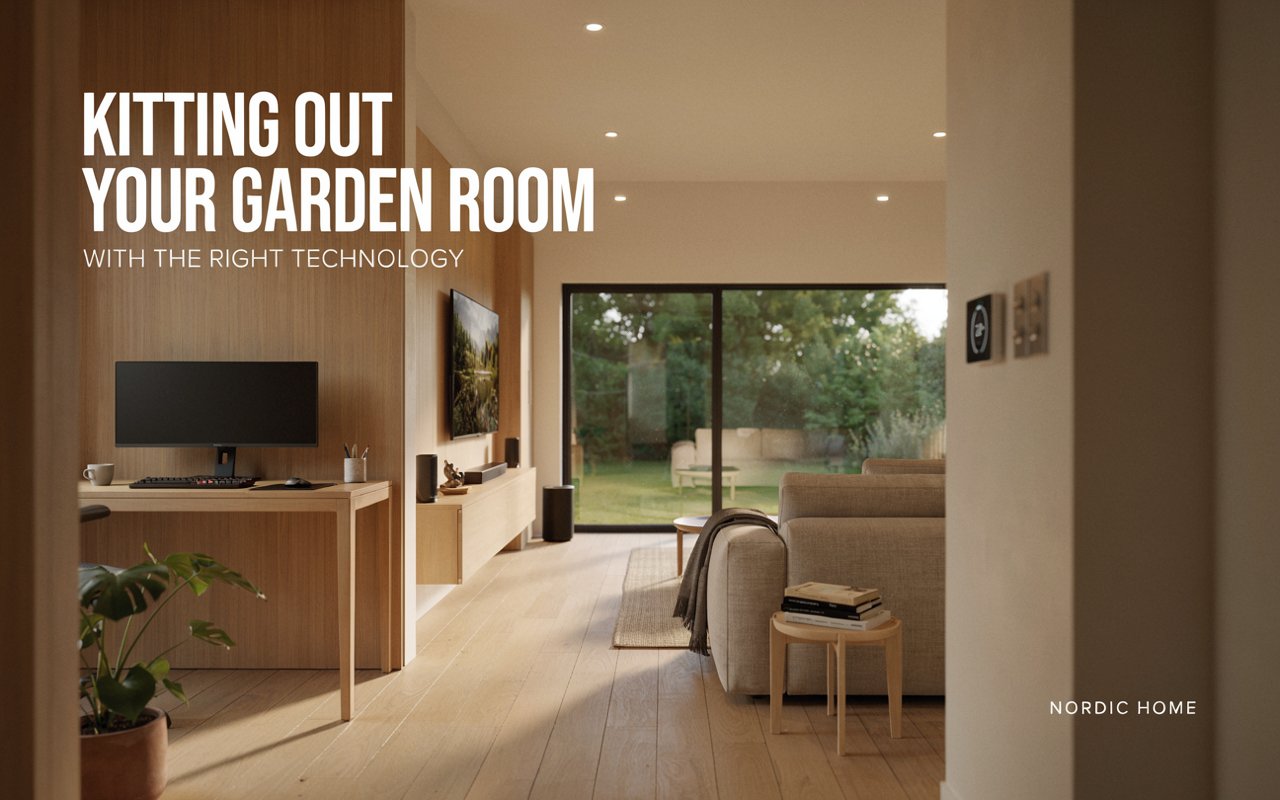
Kitting Out Your Garden Room With the Right Technology
A garden room only works as well as the technology inside it. You can have the finest timber, the smartest cladding and a lovely view down the lawn, but if the Wi-Fi drops out halfway through a video call, or the room is freezing by half past three in November, you will stop using it.
The good news is that none of this is complicated. It just needs thinking about early, ideally before the first post goes in the ground. Here is a plain guide to the technology worth planning for.
Start with power
Everything else depends on this. A garden room needs its own supply run out from the house, installed by a qualified electrician and tested properly. This is not a job for an extension lead trailing across the grass, which is both a trip hazard and a fire risk in wet weather.
Think about how much you actually plan to plug in. A laptop and a lamp need very little. A desktop computer, two monitors, a heater, a kettle and a small fridge add up quickly. Tell your electrician the full list, including anything you might add later, so the supply is sized correctly from the start.
Sockets are worth planning too. Most people fit far too few and end up with a nest of extension blocks under the desk. Work out where your desk, sofa and storage will sit, then put sockets where you will actually use them. Two double sockets at desk height save a lot of crawling about.
If you are looking at garden offices and studios, it is worth raising the electrical layout at the design stage. Cable routes and socket positions are far easier to sort out on paper than after the walls are lined.
Getting a decent internet connection
Wi-Fi from the house router will sometimes reach the bottom of the garden. Often it will not. Timber, insulation and distance all weaken the signal, and a connection that seems fine on a phone can struggle badly with a video call.
There are three main options.
A wired connection is the most reliable by a long way. An outdoor-rated Ethernet cable run from the house to the garden room gives you a steady, fast link that does not care about the weather or how many devices are on the network. If the cable is run at the same time as the electricity, in its own conduit, the extra cost is small. This is the option most people are happiest with in the long run.
A mesh Wi-Fi system uses several units placed around the property to extend coverage. It is easier to set up and needs no digging, but performance still drops with distance and thick walls.
Powerline adapters send data along the existing electrical wiring. They are cheap and simple, though speeds vary a lot depending on the state of the wiring.
If your work depends on being online, run the cable. It is the one decision people almost never regret.
Heating and staying comfortable
Heating is where insulation matters most. A well-insulated building holds its warmth, so a small heater keeps the room comfortable at a low running cost. A poorly insulated one will drain electricity all winter and still feel draughty.
The wall build-up in a lined and insulated building uses 100mm insulation with tongue and groove boarding inside, and the roof and floor are insulated as well. Double glazing keeps heat from escaping through the windows. Together these make a room that is genuinely usable in January, not just in July.
For the heating itself, an electric panel heater with a thermostat and timer is the usual choice. It is cheap to fit, needs no plumbing and can be set to warm the room before you walk in. An air source heat pump costs more up front but is efficient to run and cools the room in summer too, which matters more than people expect. A small garden room can get very warm on a bright afternoon.
Ventilation is part of comfort as well. Opening windows, trickle vents or a small extractor keep the air fresh and stop condensation forming.
Lighting that works for the job
Lighting is easy to get wrong. One bright ceiling light in the middle of the room gives harsh shadows and glare on screens.
Aim for layers. Ceiling lights or spots for general brightness, a desk lamp where you work, and something softer for the evening. LED fittings use very little power and last for years. Dimmable lights let one room serve as a workspace by day and somewhere to relax later on.
Roof lights are worth considering if you want more daylight without losing wall space. Natural light makes a small room feel considerably larger.
Security and smart features
A garden room sitting away from the house needs a bit of thought about security. Good locks on doors and windows are the starting point. Beyond that, a motion-activated outdoor light, a doorbell camera or a small alarm linked to your phone all add reassurance without much cost.
Smart controls suit garden rooms well. A smart thermostat lets you warm the room from indoors before you head out, and smart plugs turn heaters and lamps on and off to a schedule. None of it is essential, but it makes the building easier to live with.
Do check your home insurance covers equipment kept in an outbuilding. Many policies limit this, and it is better to find out now.
Plan it before you build
The single most useful thing you can do is decide what goes in the room before construction begins. Cable routes, socket positions, heater placement and lighting all cost very little to include during the build and a great deal to add afterwards.
Sketch out where your desk will go, count your sockets, decide whether you want a wired connection, and pass that to the builder along with your design. A bespoke garden office can be built around how you actually intend to use it, with raised eaves, roof lights and internal partitions all specified from the outset.
Get the technology right and the building quietly does its job every day. Get it wrong and you will spend the next few years working around it.